KYC Verification
Updated: Jun 8
Completing KYC verification is required to access PayFun services and ensure account security.
The KYC process includes:
Filling in personal information
Uploading identity documents
Completing facial verification
Verification Steps
Step 1
Open the PayFun App homepage, locate the Authentication section, and tap Verify Now.

Step 2
Read the verification instructions carefully. Once prepared, tap Start.

Step 3
Select your country of residence and tap Continue.

Step 4
Fill in the required personal information and tap Continue.
For the list of unsupported countries/regions, please refer to Unsupported Countries/Regions


Step 5
Select the issuing country and document type, then tap Continue. Upload your identity document via camera or photo album.


Step 6
After uploading your ID document, complete facial verification by uploading a selfie as instructed.

Step 7
Once all steps are completed, your KYC application will enter the review stage. Verification is typically completed within a few minutes, but may take up to 1 business day in special cases.

Step 8
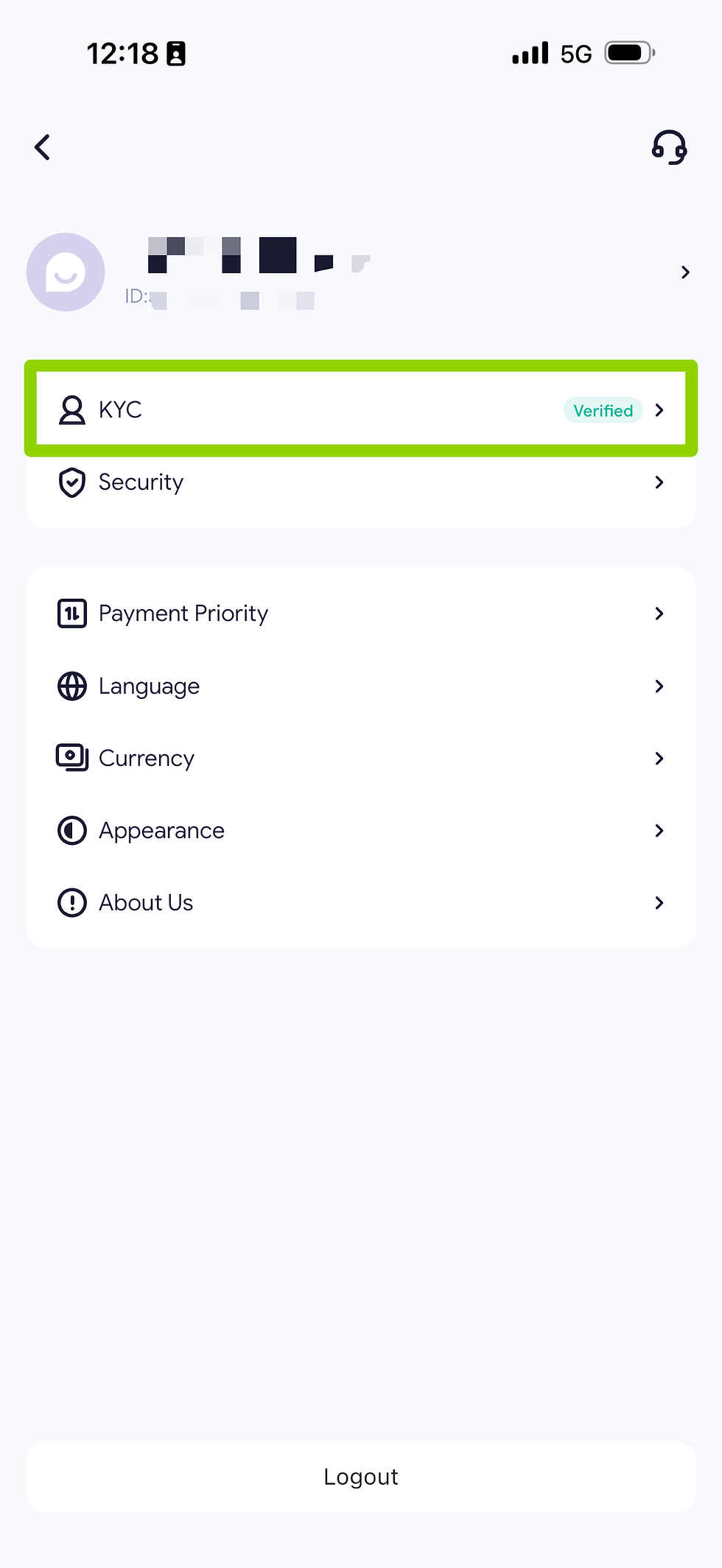
You can check your KYC verification status from the top-left corner of the homepage.


Comments