Create Your PayFun Account
May 29
1 min read
Updated: Jun 8
Download the PayFun App
You can download the PayFun App through either of the following methods:
Method 1: Download from Official Website
Download the PayFun App from Download App | PayFun

Method 2: Download from App Stores
For iOS Users
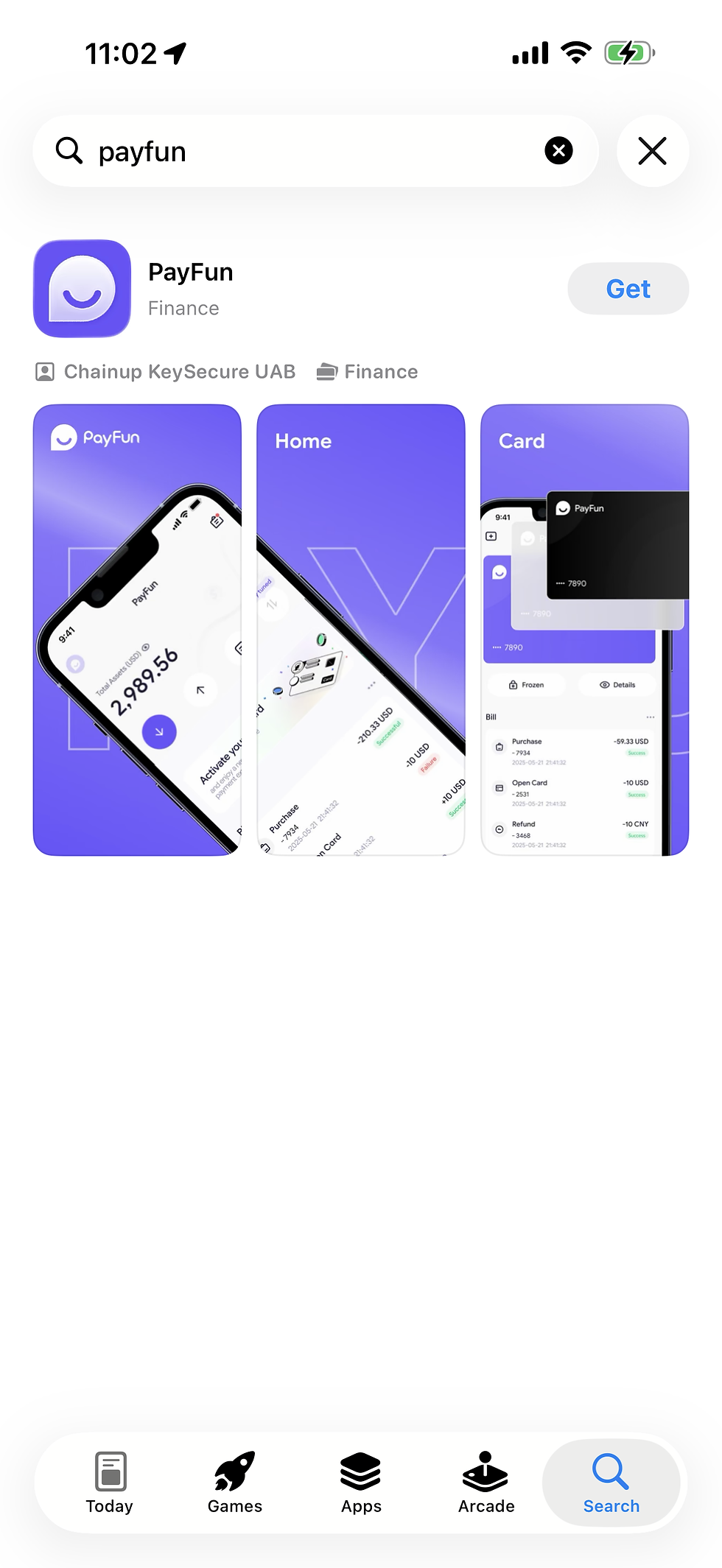
Open the App Store, search for “PayFun”, and tap Get to install the app.
For Android Users
Open Google Play Store, search for “PayFun”, and tap Install to download the app.

Register an Account
Step 1
Open the PayFun App and tap Sign up at the bottom of the homepage.

Step 2
Enter your email address, create a password, and input an invitation code (if applicable). Review and agree to the Service Agreement, then tap Register.

Step 3
Check your registered email inbox for the verification code. Enter the code in the designated field to complete account registration.


Comments