Deposit Instructions
Jun 4
1 min read
Updated: 8 hours ago
Since card issuance requires a fee, please ensure that your account holds sufficient USDT balance before applying to cover the card issuance fee.
How to Deposit?
From the PayFun homepage, select Deposit, then select the relevant cryptocurrency and network.
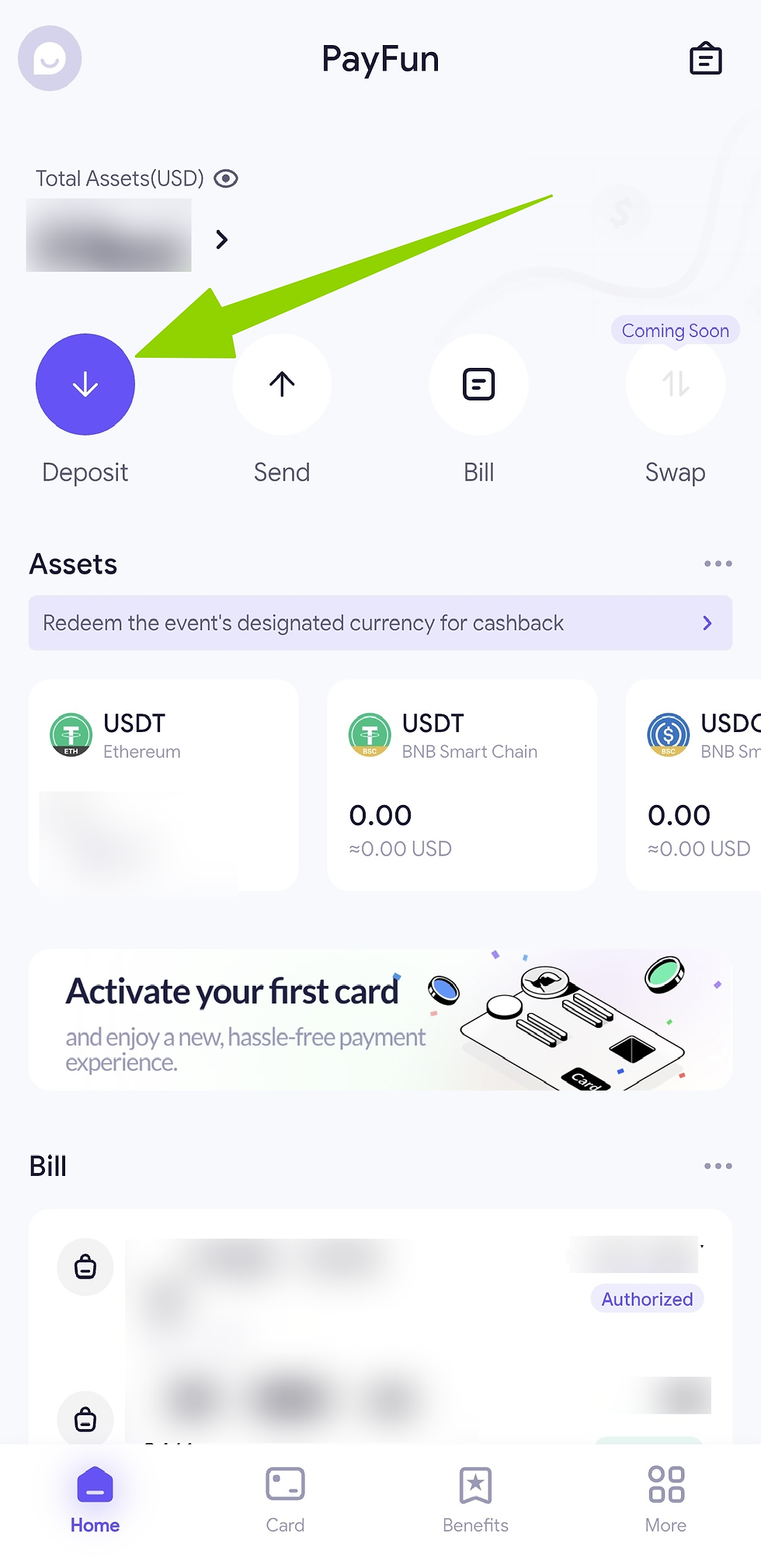
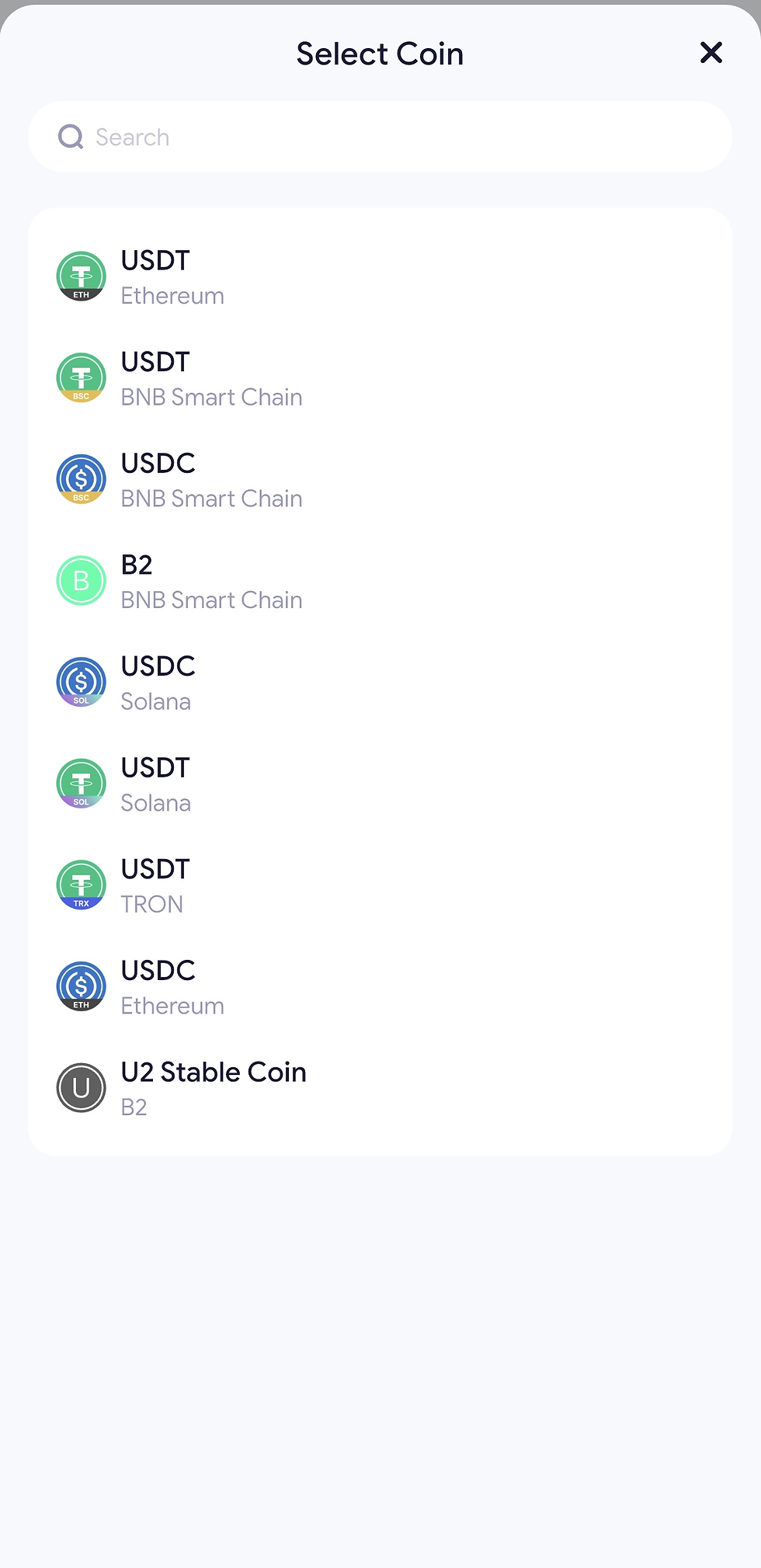
Use the displayed deposit address or QR code to complete the transfer.
*Please ensure that both the selected cryptocurrency and network are supported before initiating the transfer. Deposits made using unsupported assets or incorrect networks may result in irreversible loss of funds.

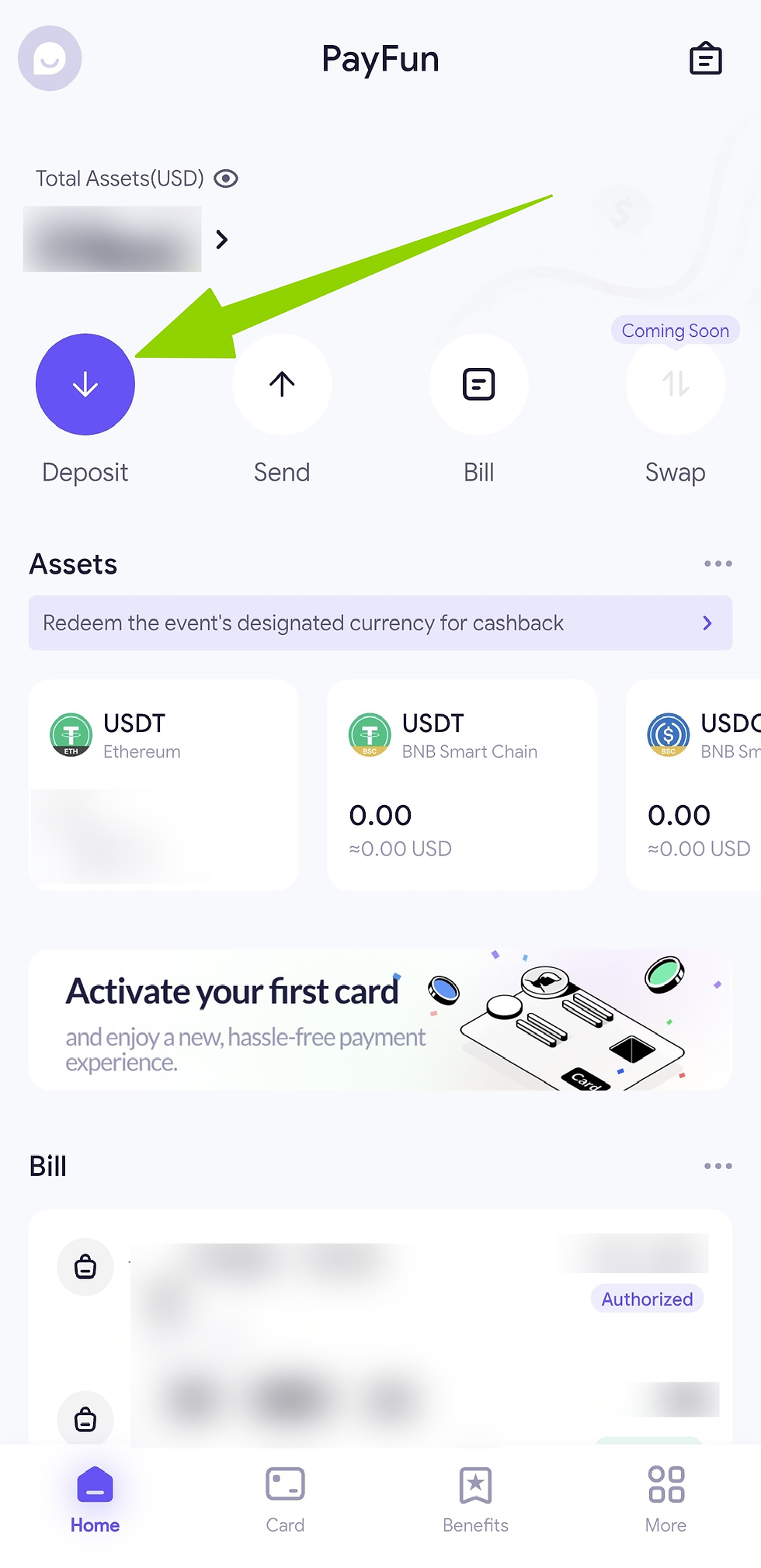
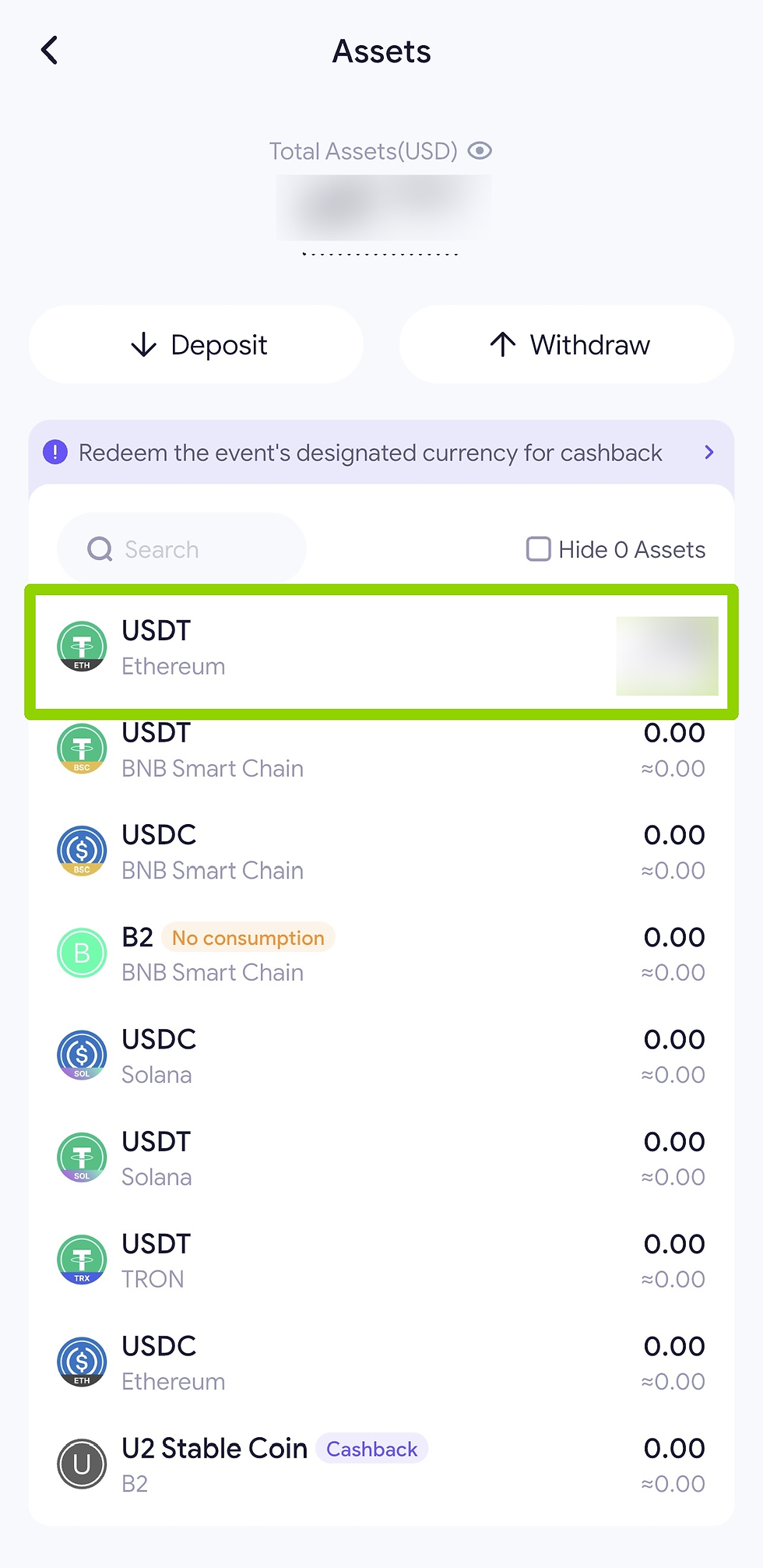
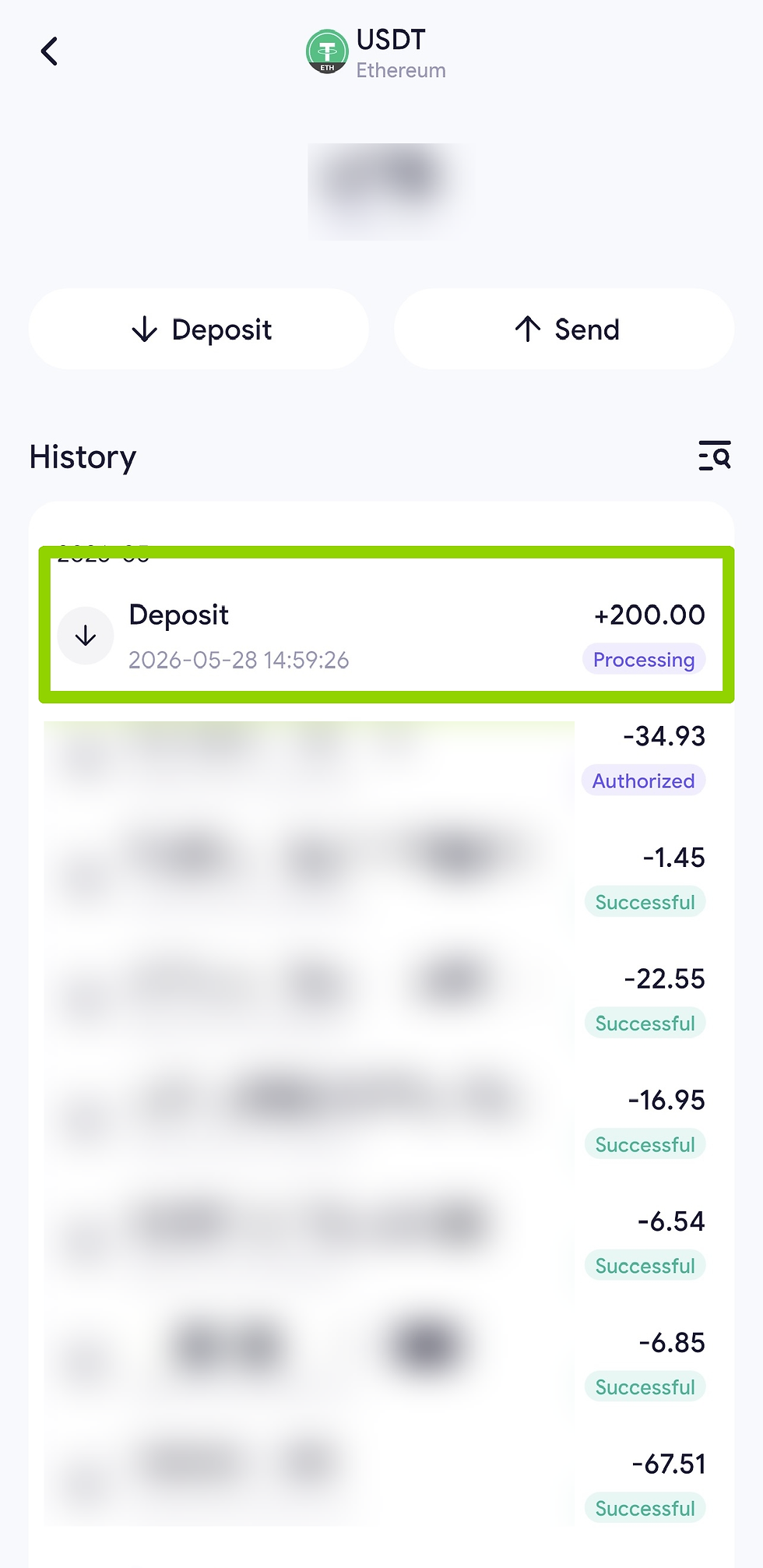
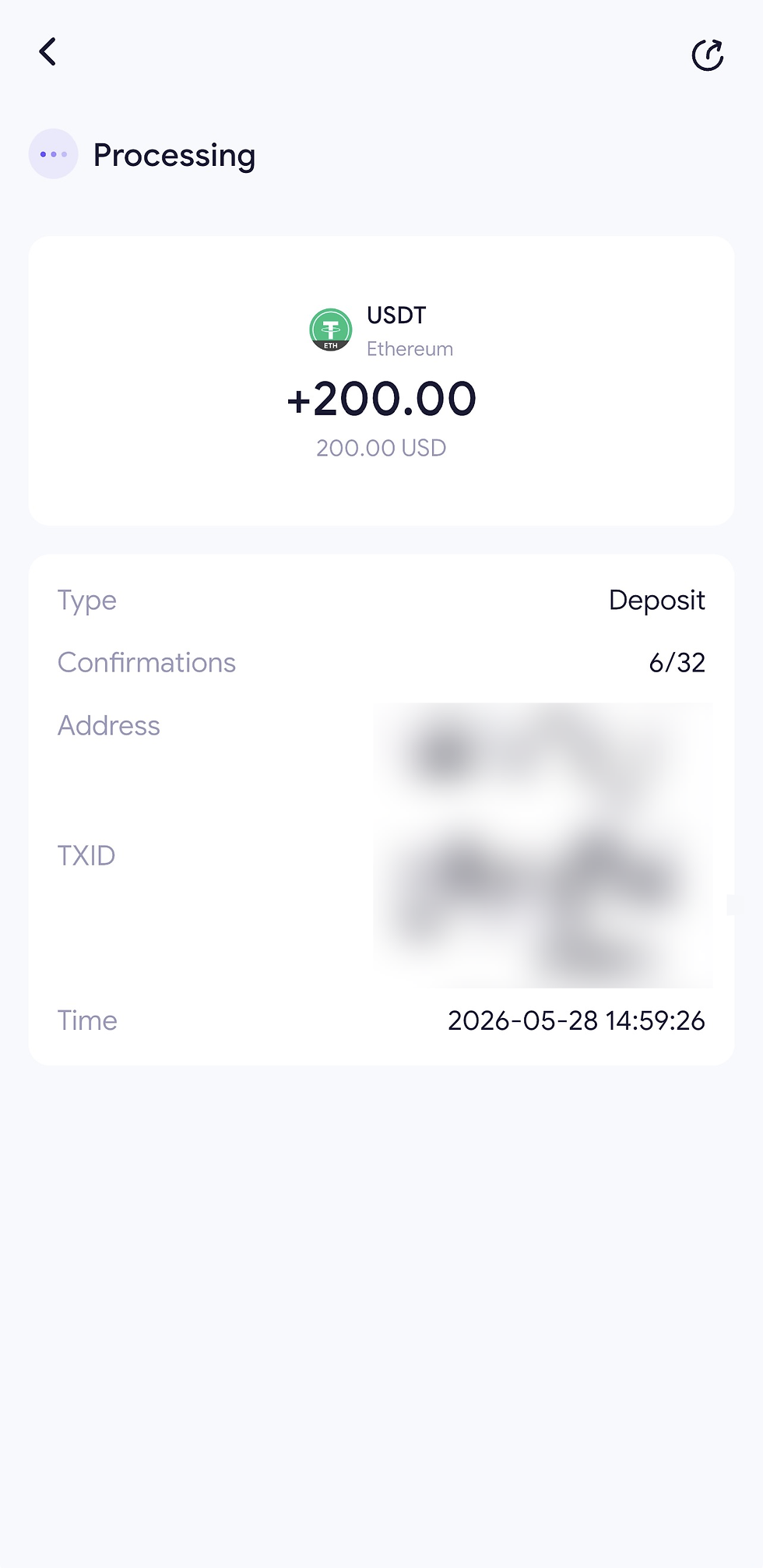
Return to the homepage and select the balance shown under Total Assets. Choose the deposited cryptocurrency and network to view the transaction status. Processing time depends on blockchain confirmation speed.
Supported Cryptocurrencies and Networks
Cryptocurrencies | Networks |
USDT | BNB Smart Chain, Solana, TRON, Ethereum |
USDC | BNB Smart Chain, Solana, Ethereum |
B2 | BNB Smart Chain |
U2 Stable Coin | B2 |

Comments