Add Your PayFun Card to Apple Pay & Google Pay
Updated: 11 hours ago
PayFun Virtual Cards and Physical Cards can be added to Apple Pay and Google Pay for contactless in-store payments and supported online transactions.
Add Your PayFun Card to Apple Pay
Apple Pay is available for iPhone users through the Apple Wallet app.
Open the Wallet app from your iPhone home screen.

Tap the “+” icon in the upper-right corner and select Debit or Credit Card.
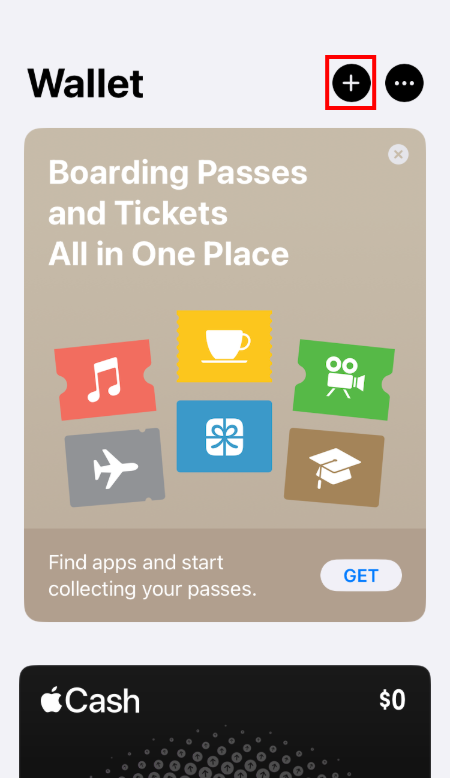

Choose to enter the card details manually and enter the following information
Card number
Name
Expiration date
Security code


Review and accept the applicable terms, follow the on-screen instructions to complete verification.
Supported verification methods: SMS verification code or Email verification code
Note: Email verification is recommended. SMS codes may not be supported in some regions.
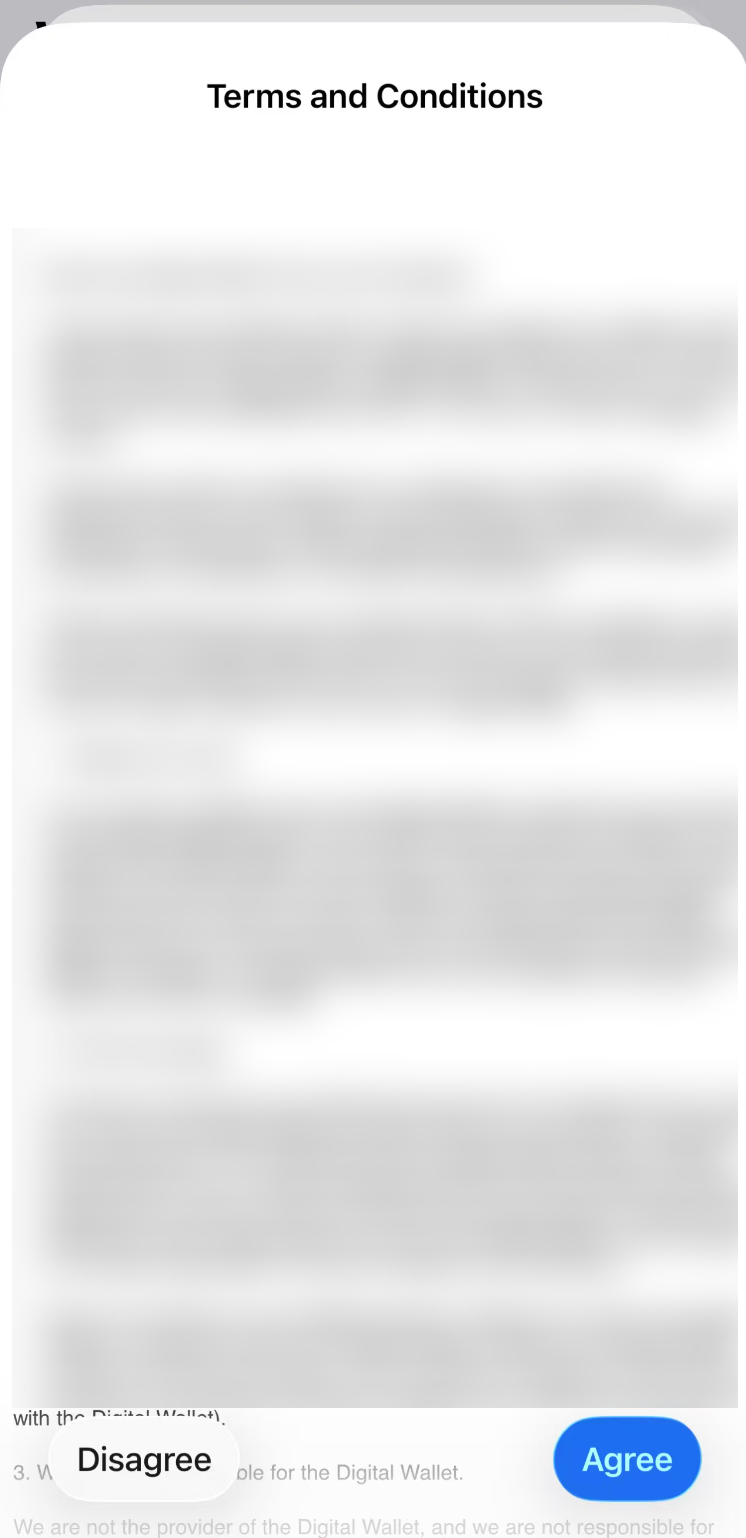
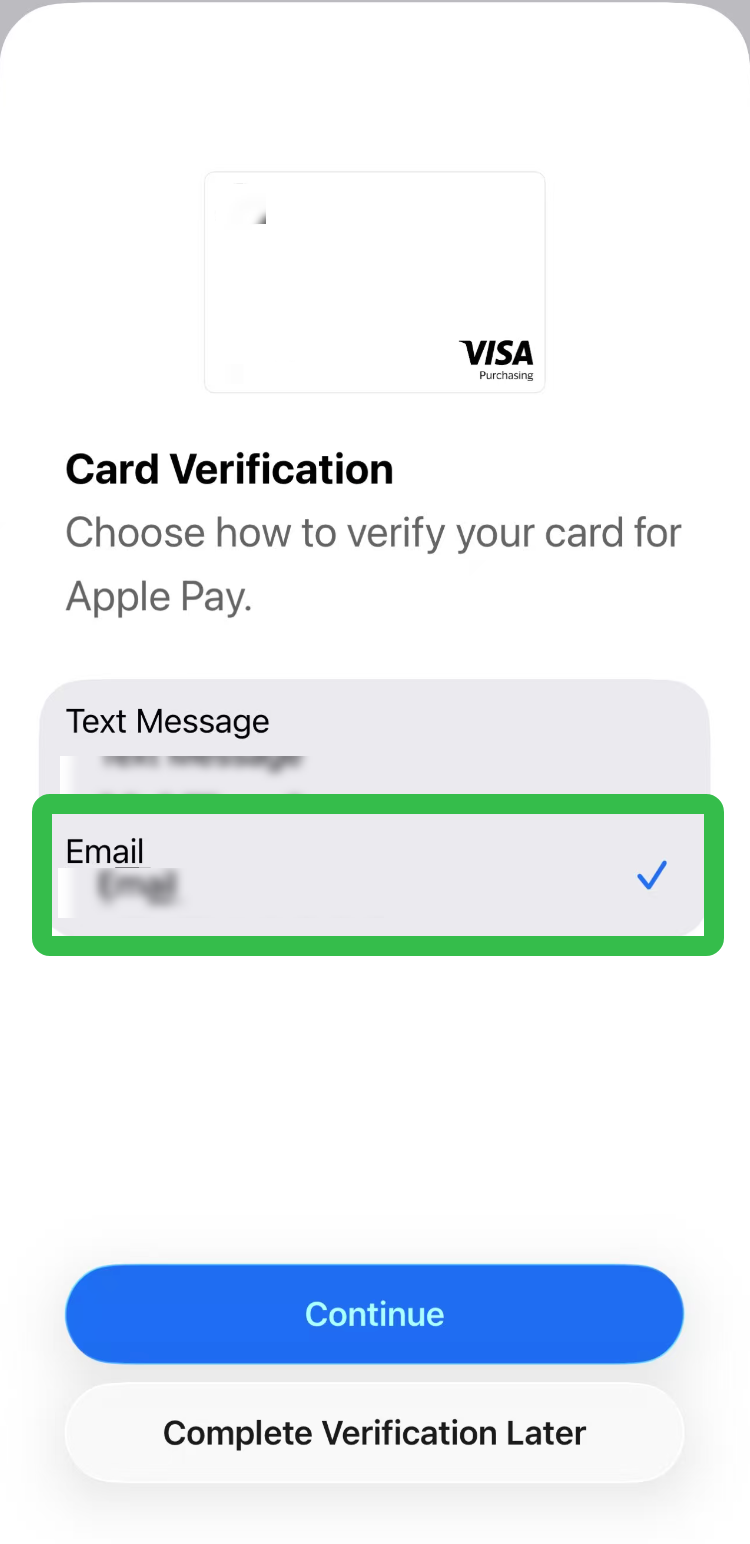
Once verification is completed, your PayFun card will be added to Apple Pay.

Where You Can Use Apple Pay
After setup, your PayFun card can be used for:
Contactless NFC payments in stores
In-app purchases
Online payments on supported websites
Add Your PayFun Card to Google Pay
Android users can add PayFun cards through Google Wallet.
Download and open Google Wallet, then sign in to your Google account.
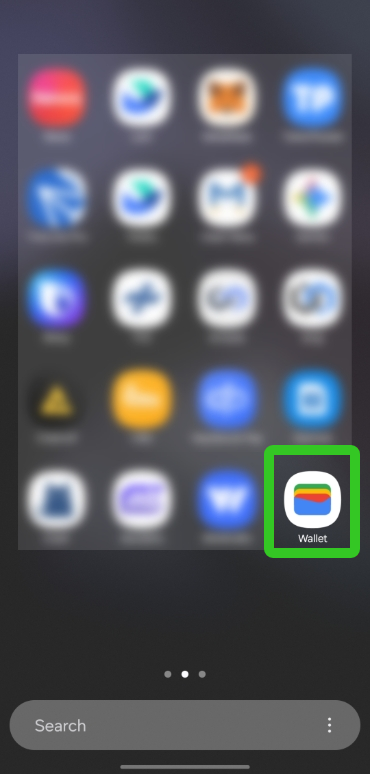
Tap “Add payment card” or the “+” button, then select “New credit or debit card”.


Provide the required card details, including:
Card number
Expiry date
Security code
Cardholder name
Country/region

Review and accept the applicable terms, then follow the instructions to verify your card.
Supported verification methods: SMS verification code or Email verification code
Note: Email verification is recommended. SMS codes may not be supported in some regions.

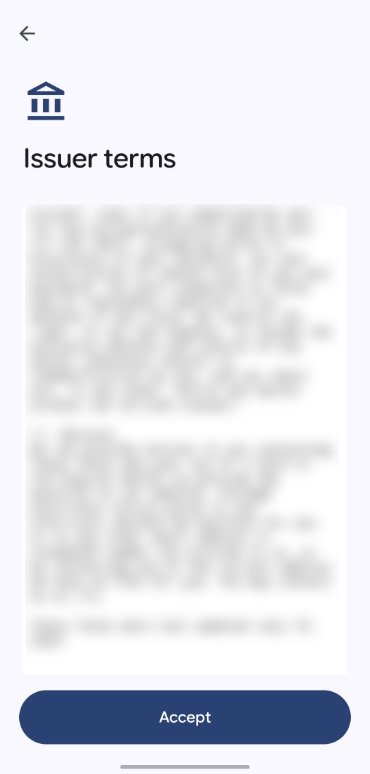

Once verification is completed, your PayFun card will be added to Google Pay.

Where You Can Use Google Pay
After setup, your PayFun card can be used for:
Contactless NFC payments in stores
Payments in apps and websites that support Google Pay
Google services such as Google Play and YouTube Premium
Important Notes
Before adding your card, please note the following:
Ensure your PayFun account has completed KYC verification and the card has been successfully issued and activated.
Prepare your card details in advance, including the card number, expiry date, and CVV security code.
Maintain a stable internet connection during the setup process.
Never share verification codes or card information with third parties to avoid fraud or unauthorized access.
For enhanced security, it is recommended to enable your device passcode, fingerprint authentication, or facial recognition.
Comments